The Designer workspace consists of three tabbed panes. They are
Report tab, Layout tab and the Functions tab.
The report structure, consisting of the DataSources, Page Setup, Sections and
Style sections are displayed in the left panel of the Report tab window.
The Render Sequence and the Parameters panel are present on the right of the Report tab
window. These will be discussed later in this chapter.
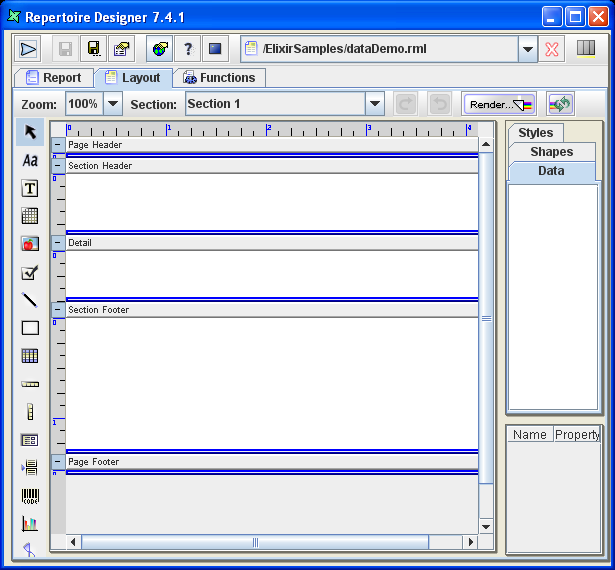
The Layout tab window contains a tool bar and report layout as
shown in Figure 3.1, “Report Layout”. The layout contains details, headers and
footers.
The Functions tab window contains several tabbed panes: Script Summary,
Function Definitions, On Render Begin, On Render End and Render If. These
will be described in Chapter 6, Scripting with JavaScript.