Table of Contents
The View Tool editor allows you to create custom views for Ad Hoc Dashboard.
To create a view:
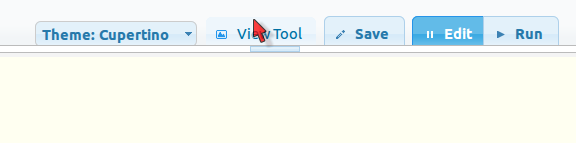
- Click View Tool from your dashboard to open the
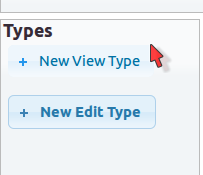
View Tooleditor. This is shown in Figure 6.1, “View Tool Button”. - Click New View Type from the View Editor. This is shown in Figure 6.2, “View Type Button”.
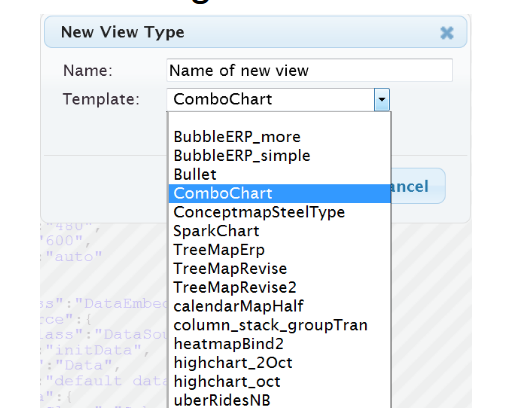
- Enter a name for the view and optionally select a template, if any, that closely matches the view that you want to create. This is shown in Figure 6.3, “Select Template”.
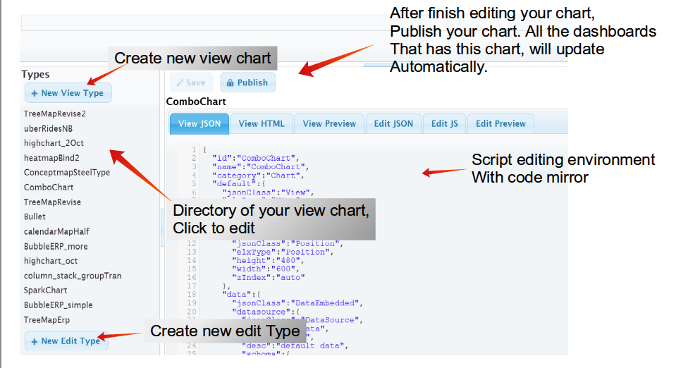
- The code editor opens as shown in Figure 6.2, “View Type Button”. You use HTML and JSON code to create the views. Enter your code as appropriate.
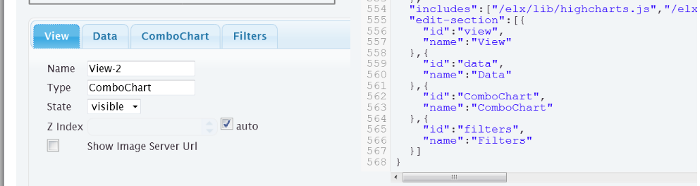
- When you create a view from a template, the view will inherit all the tabs of the template. To edit the inherited tabs, edit the code in the
View JSONtab, as shown in - Preview your view by clicking the
Edit Previewtab. - Click Save to save your view code.
- You need to publish your view to use it in Ad Hoc Dashboard. Click Publish to publish your view.